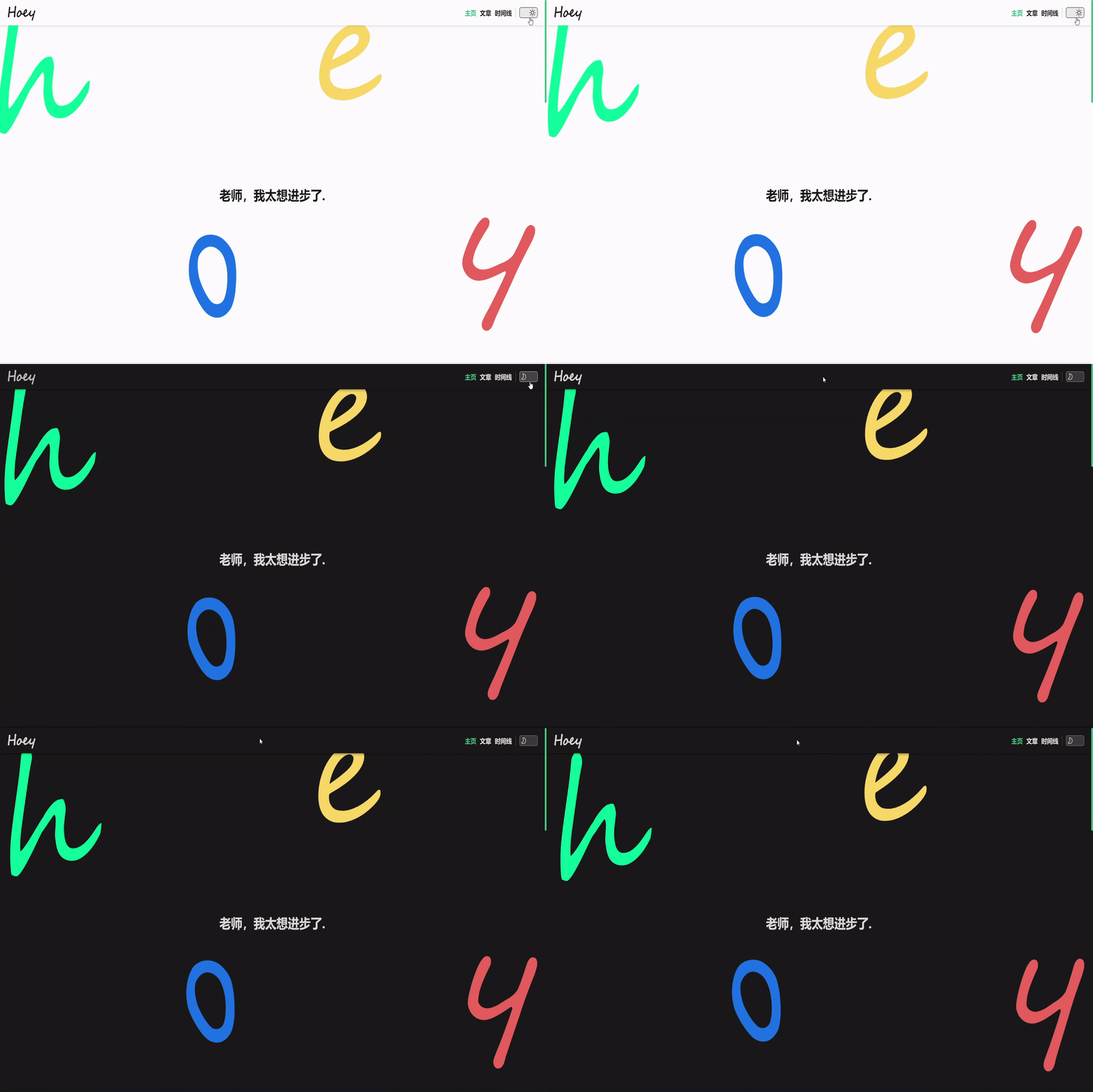
利用:root切换主题
在尝试几种切换主题方法后,感觉利用root切换主题更加方便,将实现过程记录一下。
:root 是CSS伪类匹配文档树的根元素,除了优先级更高之外,与html选择器相同。可以给 :root 添加 them 属性,并通过更改 them 属性值更改主题。
1.主题配置
为了方便后续开发,可以将项目分为两个css文件, public.css 与 them.css ,而 them.css 则存放两套主题颜色。
/*them.css*/
:root[theme="dark"] {
  --div-background-color: #1a1a1a;
  /*更多颜色...*/
}
:root[theme="light"] {
  --div-background-color: #fdfdfd;
  /*更多颜色...*/
}
2.state
我们可以用一个 state 保存当前主题类别,同时分别需要一个 getter 与 mutation 用于后续获取 them 与更改 them。
/*store/index.jd*/
state: {
        them: 'dark',   //主题
    },
    getters: {
        getTheme: state => {
            return state.them
        }
    },
    mutations: {
        async changeThemeMutations(state) {
            document.getElementById('body').style.transition ='all 0.3s'
            if (state.them === 'dark') {
                window.document.documentElement.setAttribute('theme', 'light');
                state.them = 'light'
            } else {
                window.document.documentElement.setAttribute('theme', 'dark');
                state.them = 'dark'
            }
        },
    }
3.切换按钮
为了让切换按钮更加生动,可以模仿Vue官网的切换按钮。在按钮点击后,调用 mutations 里的 changeThemeMutations ,同应该在按钮组件渲染时,获取主题类型且按钮保持相同类型状态,还需要在组件 created 阶段获取them值且改变按钮相应状态。
  // 按钮.vue
  data() {
    return {
        theme_:''
    }
},
created() {
    this.theme = this.getTheme
},
computed: {
...mapGetters(['getTheme'])
},
watch: {
    getTheme(new_) {
        const element = this.$refs.themeChangeButtonImage
        if (new_ === "light") {
            element.classList.remove('theme-change-button-bg-dark')
            element.classList.add('theme-change-button-light')
            element.style.marginLeft = '25px'
        } else {
            element.classList.remove('theme-change-button-light')
            element.classList.add('theme-change-button-bg-dark')
            element.style.marginLeft = '0px'
        }
    }
},
methods: {
...mapMutations(['changeThemeMutations']),
        changeTheme() {
        this.changeThemeMutations()
    },
}
4.效果